


Instant Formative Assessment

What if every teacher knew in real time who understood?

A simple card that makes every student’s understanding visible - instantly

One card. One sweep. Every student visible.

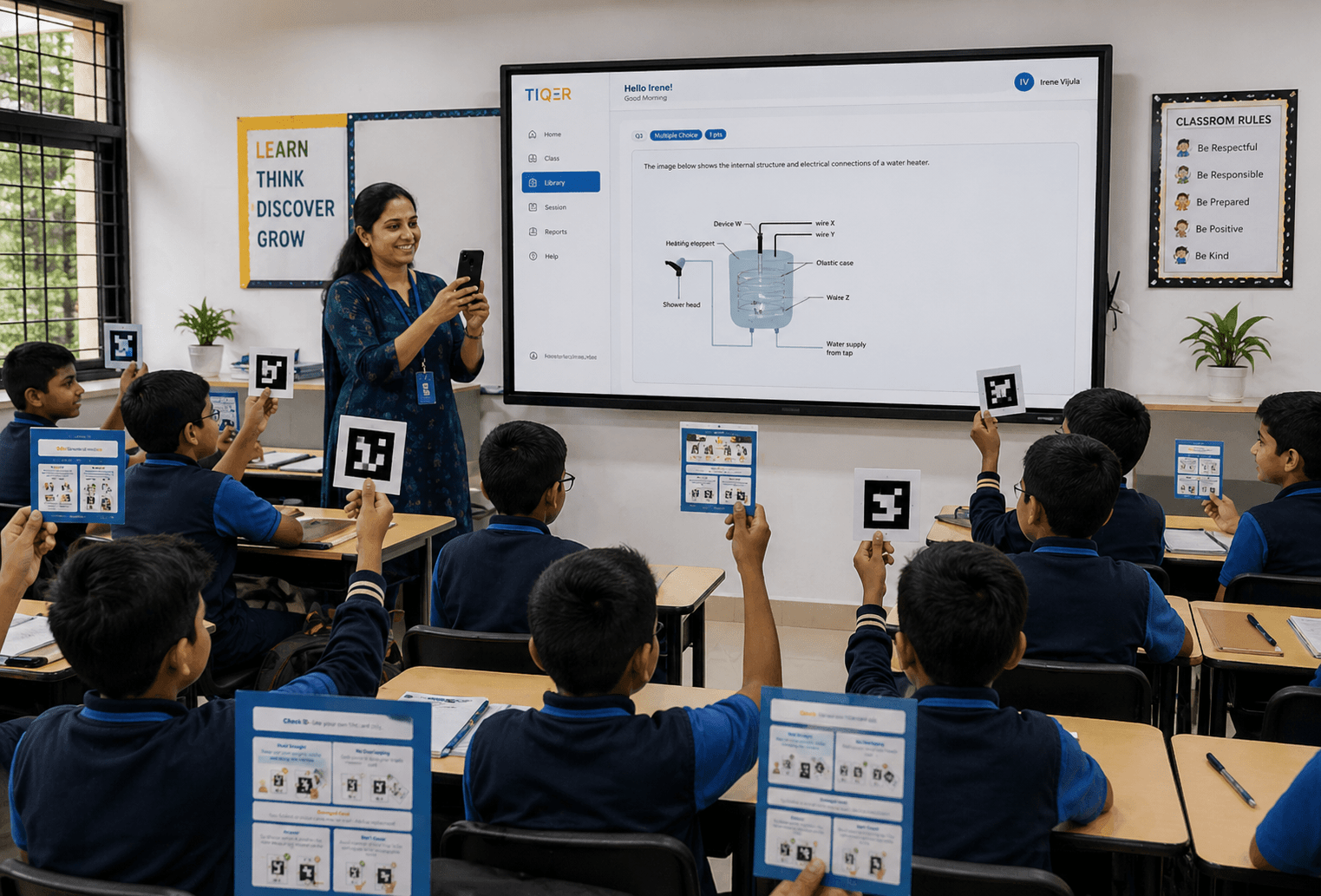
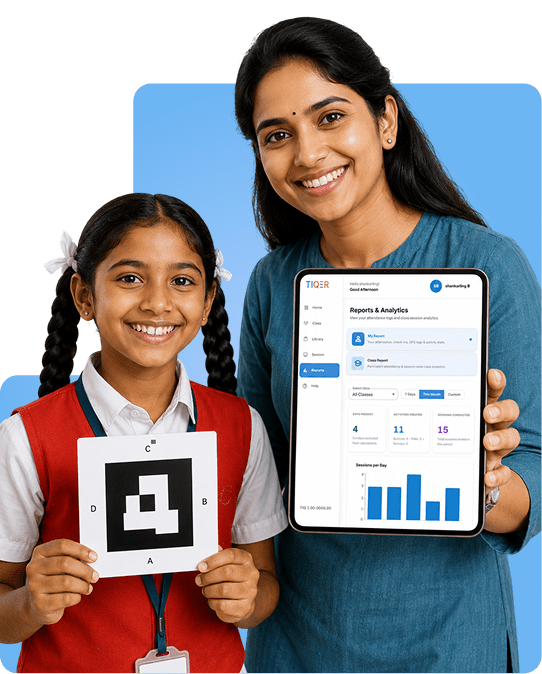
Each student holds up a unique printed card. The teacher’s phone reads the whole room in seconds, and the dashboard surfaces who understood and who needs another minute.

<60s

Whole class Scan

Zero

Student devices

100%

Visibility per question

Four steps. Under 60 seconds.

Teachers teach more. Students are seen more.

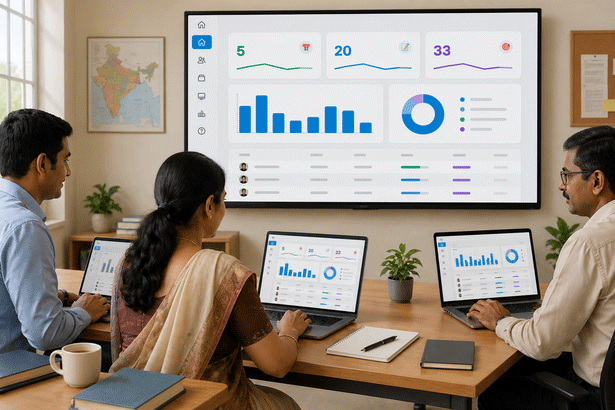
Leadership finally sees the classroom numbers, not anecdotes.

1

Teacher Quizzes

Posts a question on the projector, pre-loaded, custom or AI-generated.

2

Students Respond

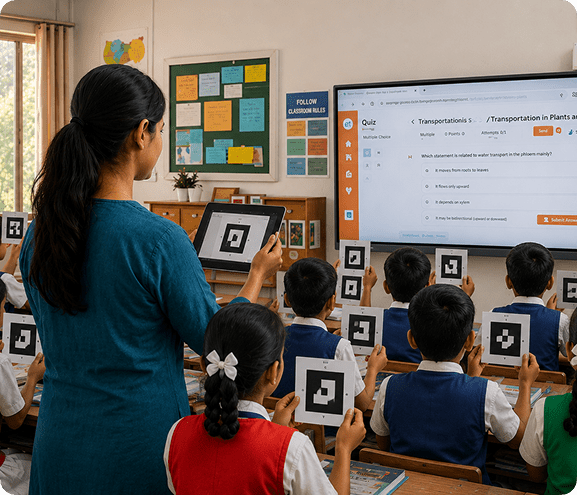
Every student raises their card. No device needed.

3

Teacher Scans

One sweep of the phone reads every card in the room simultaneously.

4

Insights Surface

Live comprehension rates and AI remediation nudges appear instantly.

Question to insight: under 60 seconds, every time.

See TiQer scan a full classroom in one shot

A 2-minute walkthrough of how a teacher sets up a question, sweeps the room, and acts on the live dashboard.

Set up a Quiz

Hand out cards

Scan the room

Read the dashboard

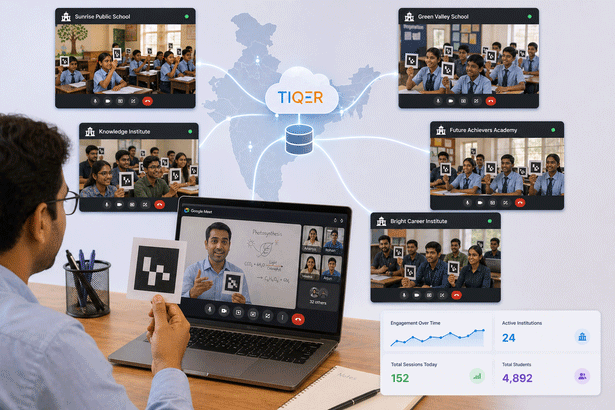
One platform. Every learning context.

Built for the room you are in. … TiQer works the same way, one sweep

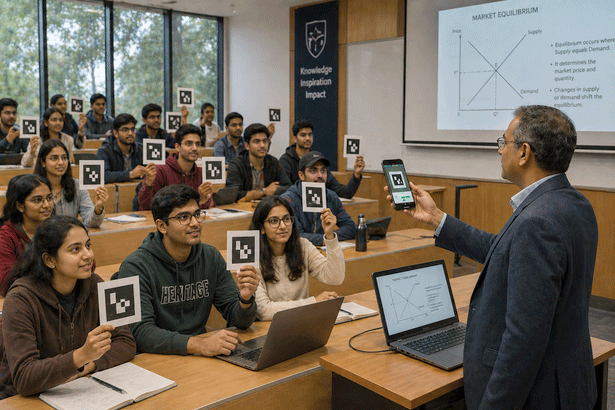
From a 30-student classroom to an 80-seat auditorium, TiQer works the same way, one sweep, every voice counted.

A complete analytics tool for learning

Step 01

Quizzes, polls & surveys

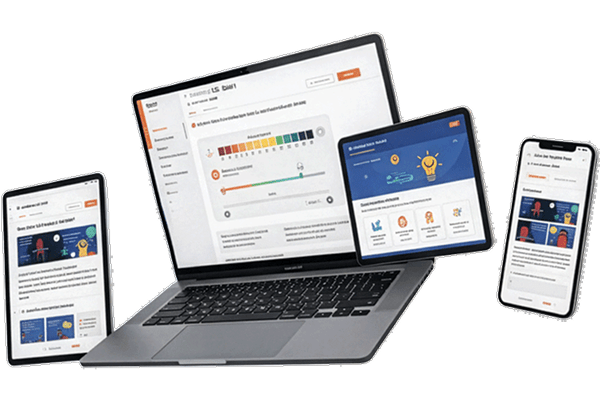
Run concept checks, gather opinions, or collect feedback in seconds. Build manually, from your curriculum, or with AI.
01

Quizzes, polls & surveys

Step 02

Attendance with proof

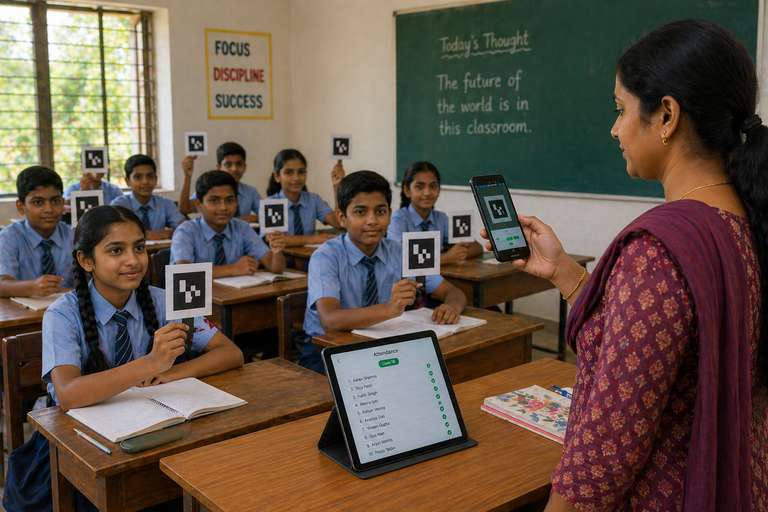
Student attendance via card scan. Teacher attendance via GPS, timestamp, and selfie. Fully auditable.
02

Attendance with proof

Step 03

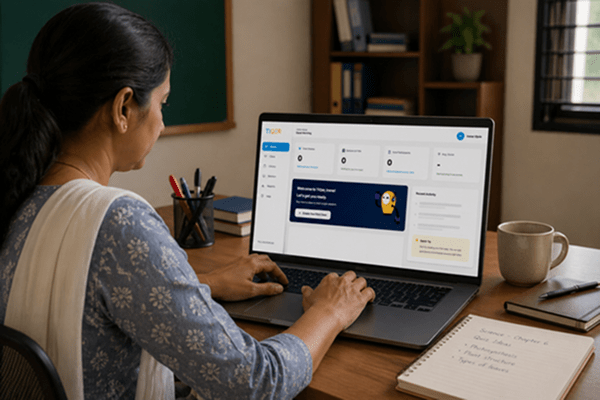
Real-time insights

See class-wide performance, individual gaps, and trends as they happen, not next week.
03

Real-time insights

Step 04

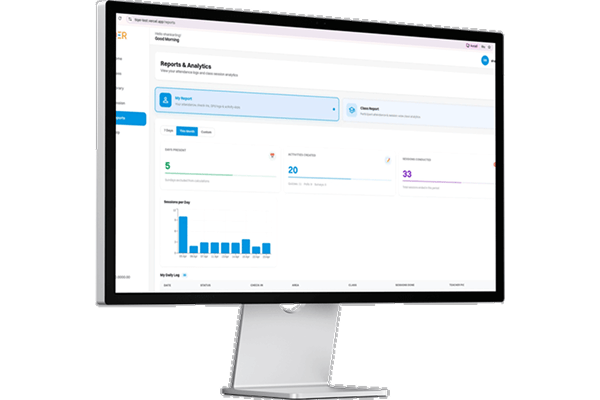
Reports for admins

Session-level activity, concept-wise performance, and district-level dashboards for schools, NGOs, and governments.
04

Reports for admins

Simple, transparent pricing

Choose the perfect plan for your institution. No hidden fees, no surprises.

Free Plan

Free

Essential tools to get started with basic analytics.

Start Free
Most Popular
Standard Plan

Standard

Advanced tools for growing institutions.

Book a demo
Custom Plan

Custom

Enterprise-grade security and unlimited scale.

Book a demo
TiQer Cards
Downloadable cards
1 set of 50 Premium Cards
1 Premium Card per student
AI Tokens
50,000 tokens
No. of Students x 5,000 tokens
No. of Students x 10,000 tokens
Sessions
50
Unlimited
Unlimited
Quiz Creation
Unlimited
Unlimited
Unlimited
Bulk Upload- Class and Students
No
Included
Included
Attendance- GPS Verified
No
No
Included
Reports
No
Basic
Advanced drill down
Responses
Included
Included
Included with AI
No of Classes
Unlimited
Unlimited
Unlimited
No of students
50
As per subscription
As per subscription
Org level hierarchy
No
Included
Included

TiQer makes every classroom teach itself back.

A 20-minute demo is enough to show how it works.

Frequently Asked Questions

What is TiQer?
TiQer is a classroom engagement and assessment platform for educators, trainers, and institutions. It lets you create quizzes and polls, run live interactive sessions, track attendance using TiQer cards (ArUco markers), and view real-time analytics - all from one place.
Do I need to create an account?
Yes. Educators and admins need to register with an email address or via Google. You will be asked to select your role (teacher, trainer, facilitator, or admin) and optionally associate with an organisation during onboarding.
What question types does TiQer support?
TiQer supports multiple-choice questions (MCQ) with one or more correct answers. Each option can be marked as correct or incorrect, and you can add explanations for each answer choice.
What are TiQer cards?
TiQer cards are printed ArUco marker cards assigned to each participant. During a live session, the TiQer mobile app scans these cards to record attendance and capture answer responses - participants do not need their own devices.
How do I download the TiQer app?
The TiQer mobile app is available for Android on the Google Play Store. Search for \"TiQer\" and install it on a supported Android device. iOS is not currently supported.
What permissions does the TiQer app request and why?
The app requires Camera (for scanning TiQer cards and capturing teacher selfies) and Location (for geolocation-verified attendance check-ins). Both permissions are required for core functionality - denying them will prevent scanning and attendance from working correctly.
I signed up with Google - can I also set a password?
Accounts created via Google Sign-In are tied to Google authentication. Password-based login is not available for those accounts. You will always sign in using the 'Continue with Google' option.

Book A Demo

    Product
    Mode

Book A Demo

    Product
    Mode

Event Details

Theme: Science, STEM

Level: Primary, Lower Secondary, Upper Secondary

About the speaker: World Wide Fund For Nature

About the topic: WWF School Engagements – Thematic Talks